Viewing
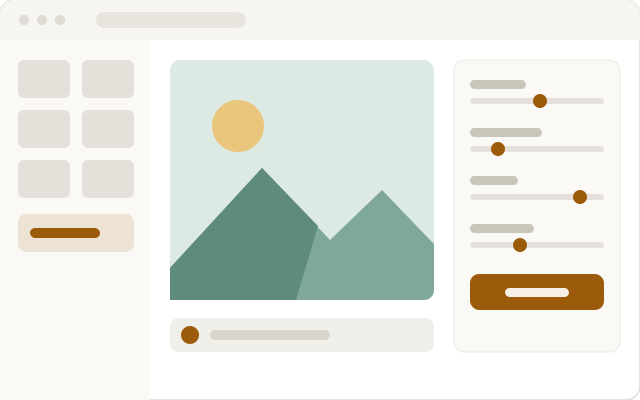
Browse a folder, with zoom, pan, slideshow, and full screen. Images are turned upright from the camera. Multi-page TIFFs and animations can be seen one frame at a time.
 易得 Yide
easySee · 1.0.0
A free, lightweight image tool you may copy and share. It asks for no account and never goes online. Batch work writes to a new folder and leaves the originals untouched. A personal library can use it, and so can everyday work in images, publishing, and archives.
Scope
Browse a whole folder, with zoom, pan, slideshow, and full screen. Photos are turned upright from the camera. Multi-page TIFFs and animations can be seen one frame at a time. JPEG, PNG, GIF, WebP, BMP, and TIFF open directly.
Convert, scale by long edge or percent, rotate, flip, adjust brightness, contrast, and sharpness, convert to grayscale, add a text watermark, and rename from a pattern. These can be done together. Results go to a new folder by default.
With the optional libraries installed, HEIC / HEIF and AVIF can be read and written. Camera RAW and JPEG XL are not built in. The program never goes online and does not ask for an account. A private image workflow, or a version under an organization's brand, is commissioned separately.
Capabilities
Browse a folder, with zoom, pan, slideshow, and full screen. Images are turned upright from the camera. Multi-page TIFFs and animations can be seen one frame at a time.
Convert, scale by long edge or percent, rotate, flip, adjust brightness / contrast / sharpness, convert to grayscale, add a text watermark, and rename from a pattern. These can be done together.
JPEG, PNG, GIF, WebP, BMP, TIFF, and other everyday images are handled directly. With the optional libraries, HEIC / HEIF and AVIF can be read and written. Camera RAW and JPEG XL are not built in.
A package has to be requested. After you write, we check the build and send you the file with a SHA-256 checksum.